
How to edit participant information
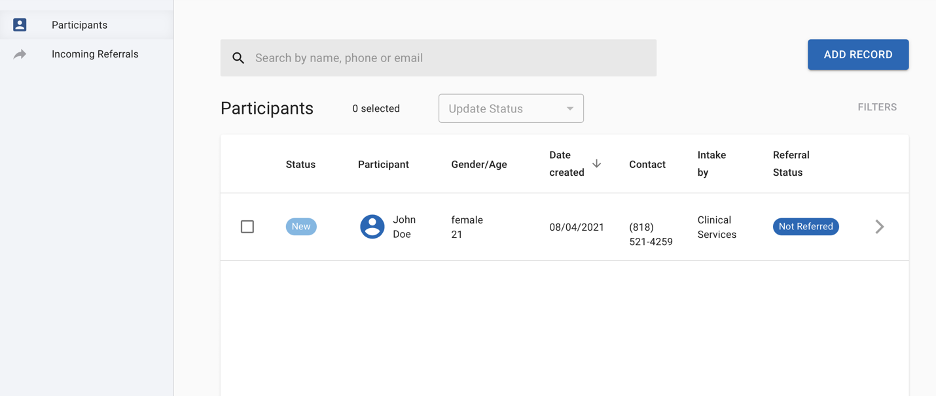
1. On the participants tab, click “Add Record”

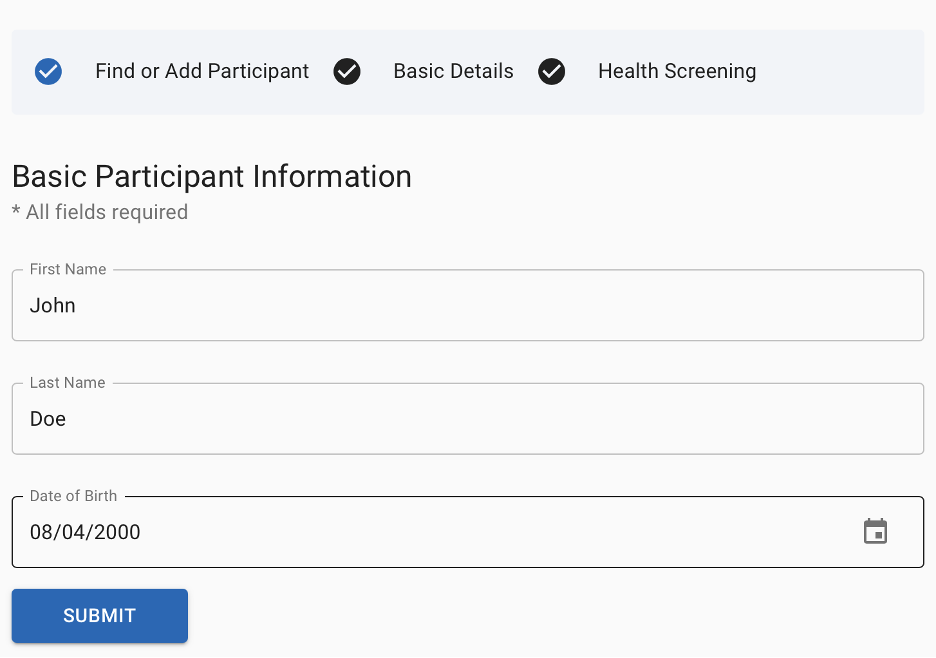
2. Type in the participant’s name the way it is currently spelled
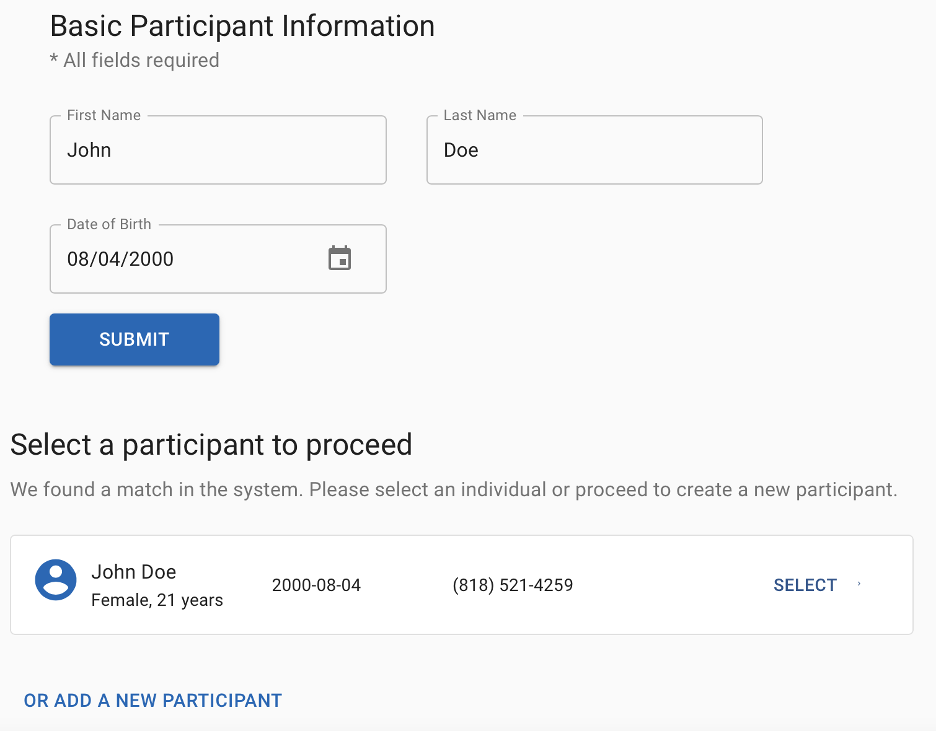
3. After clicking submit, select the participant
 4. You can now update the name of the participant in the new form.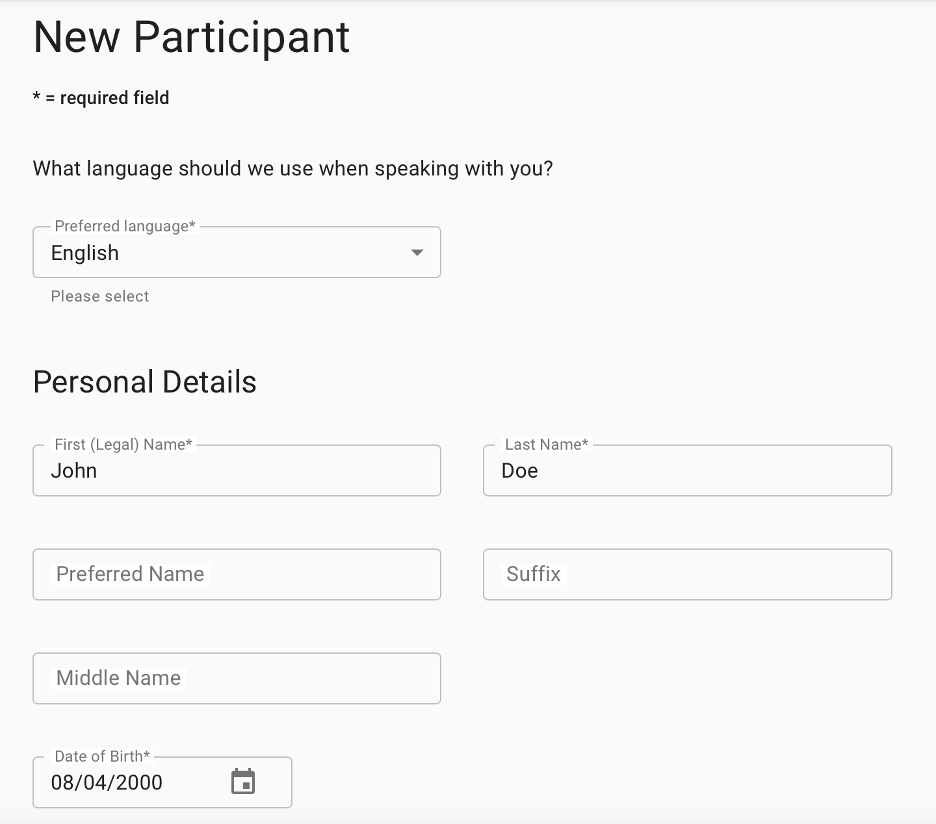
Comments
0 comments
Please sign in to leave a comment.